We are announcing exciting new features and improvements on the Tutor Platform. Over the past six months, our team has been hard at work. We've listened to your feedback, combined it with our vision, and brought these developments to life. Whether you're a student, teacher, or school manager, there's something in this update for everyone. Ready to see what's new?
What's New? A Quick Glimpse
- Student Status Management: Customizable statuses to track student progress.
- Scheduling Automate Group Courses: Simplified group course scheduling.
- Review Student Tasks Easily: Efficient task review and tracking.
- Integration with PayPal: Seamless payment processing.
- Improvements: Enhanced Analytics, Improved App Performance, UI Adjustments, White Labeling Improvements, and Messaging Improvements.
- Student Status Management: A Rainbow of Progress
Imagine a world where tracking student progress is as colorful as a rainbow. With our new Student Status Management feature, you can create custom statuses for students. Think "Participated," "Completed," and "Not Completed," all color-coded to perfection. This feature not only helps teachers and managers keep tabs on student progress but also empowers students to see their journey in vibrant colors.
Why You’ll Love It:
- Teachers and managers can quickly identify who needs help and who’s on track.
- Students gain clarity on their progress and what’s next.
Here are the Steps:
- Go to the Settings -> Student Status Management
- Add Custom Statuses and Select Colors
- Go to your Groups -> Select the Student and set the Status

2. Automated Group Course Scheduling: A Teacher’s Dream Come True
Gone are the days of manually scheduling group courses. Now, teachers can automate the process, making it as easy as pie. Imagine 10 students enrolling in the same course, paying or enrolling for free, and being grouped with the right teacher, all automatically. It’s like having a personal assistant for your scheduling needs!
Why You’ll Love It:
- Streamlines the process, saving valuable time.
- Ensures students and teachers are perfectly matched without the hassle.
Here are the Steps:
- Create a Course and Select the Type "Group"
- Set Up the Settings: Start Date, Fixed Schedule, Max Student Count and One Teacher
- Students See the Course Details and Join the Course
- The Student Joining the Course will no longer see the Course in the Catalog
- It automatically created a Group with the Teacher and other Students can join the Group

3. Effortless Material Review: A Teacher’s Best Friend
Reviewing student materials just got a whole lot easier. Our new feature allows teachers to see which materials have been checked and which need review, with the ability to filter and visually identify students who haven't opened their materials yet. It’s like having a bird’s eye view of every student’s progress.
Why You’ll Love It:
- Quickly identify who needs attention.
- Save time with efficient assignment tracking.
Here are the Steps:
- Teachers can Review Materials and Track which one the Reviewed or Need a Review
- By Clicking on the Student, you can see the Assignment and Review
- Click "Mark Checked" and it will become "Green"
- For all other students assignments you can track and filter (All/Need Review)

4. PayPal Integration: Seamless Transactions
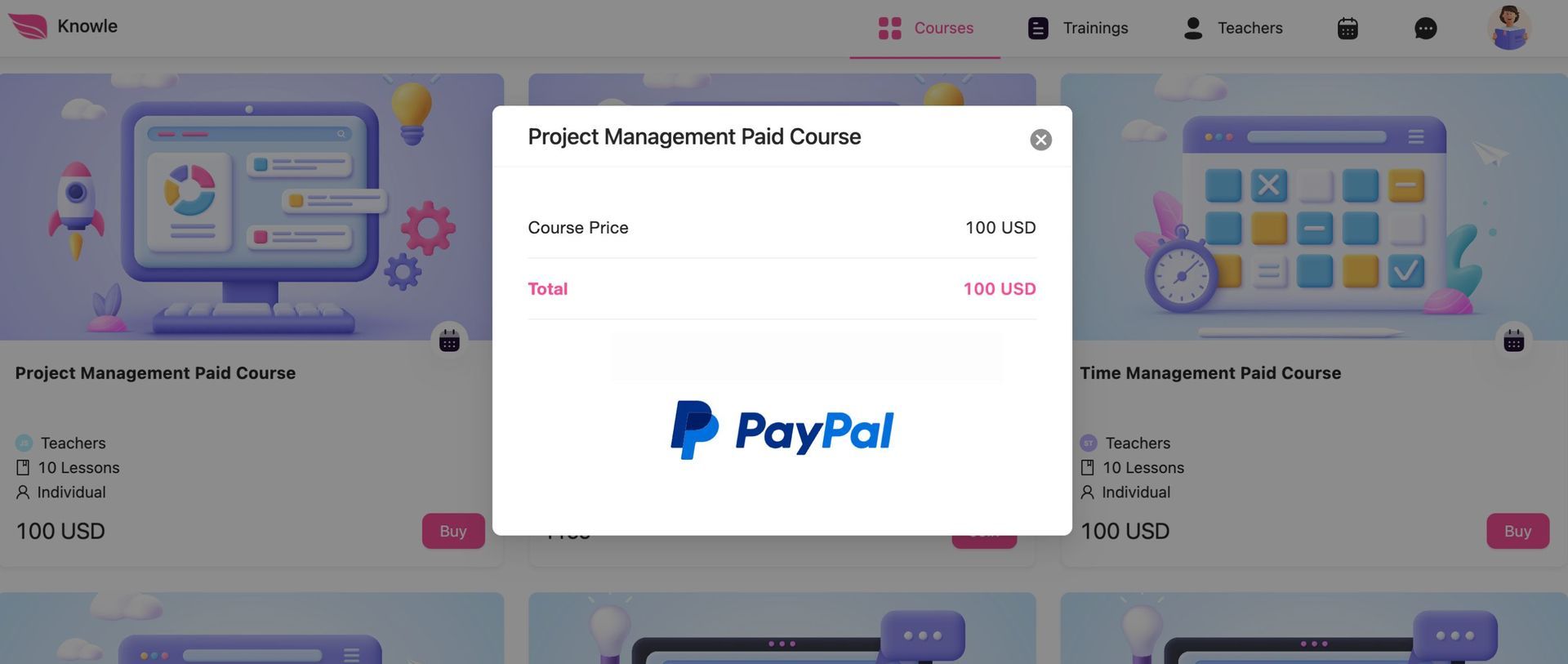
After extensive feedback, we've integrated PayPal to facilitate easy payment for courses. Simplifies transactions for students, parents, and teachers, making payments hassle-free.
Why You’ll Love It:
- Simplifies the payment process for students, parents, and teachers.
- Ensures transactions are quick and secure.
See the article How to Activate PayPal.
The Little Things That Make a Big Difference
We didn’t stop at major features. Here are some behind-the-scenes improvements that enhance your experience:
Analytics
Now, with a simple hover, you can see weekly data and dates, making it easier than ever to track and manage school performance.
Smoother App Performance
Our student app is now smoother and more fun, with improved game sections with a crash-free experience.
UI Adjustments
Minor tweaks to our UI have made the Tutor Platform more intuitive and visually appealing. You’ll love the fresh, clean look.
Code Improvements for White Labeling
Simplified the process of adding logos to admin and student login pages with a single input.
Messaging Improvements
We’ve enhanced our messaging system to ensure you stay connected, with all previous bugs fixed.
We’re not done yet! Stay tuned for more innovations. Our journey to revolutionize tutoring continues, and we’re excited to have you with us.
Thank You for Being Part of Our Journey
Your feedback drives us to innovate and improve. We’re excited to see how you’ll use these new features.